
How to Use a Korean Photo Booth: Frames, Prints & QR Downloads
A Korean four-cut photo booth turns a few minutes into a printed souvenir. The tricky part is that payment, shooting and photo selection may happen on a timer. Decide who is in the picture and what you want printed before starting, then follow the instructions on the particular machine.
Choose the booth and the result
Look at the preview examples outside or on the screen. Some sessions use a long strip; others offer a different layout. Check the number of printed copies and the total cost before confirming. A promotional or collaboration frame can have its own price or availability.
Korea.net's account of four-cut photo culture describes the format and digital-download options found at some booths. It is an example of the experience, not a current nationwide price list or a guarantee that every machine accepts your card.

Get ready before payment
Put bags where they will not obstruct the camera or doorway. Choose props before the countdown starts and return them after use. If you want to avoid props touching your face, simply shoot without them. Check everyone is visible in the preview, particularly if people have different heights.
Agree on a few poses beforehand: a normal smile, a small wave or another simple gesture. Keep the camera area safe and avoid climbing on furniture to fit the frame. You do not need to know Korean well to use the preview, but read each screen instead of tapping through unfamiliar choices.
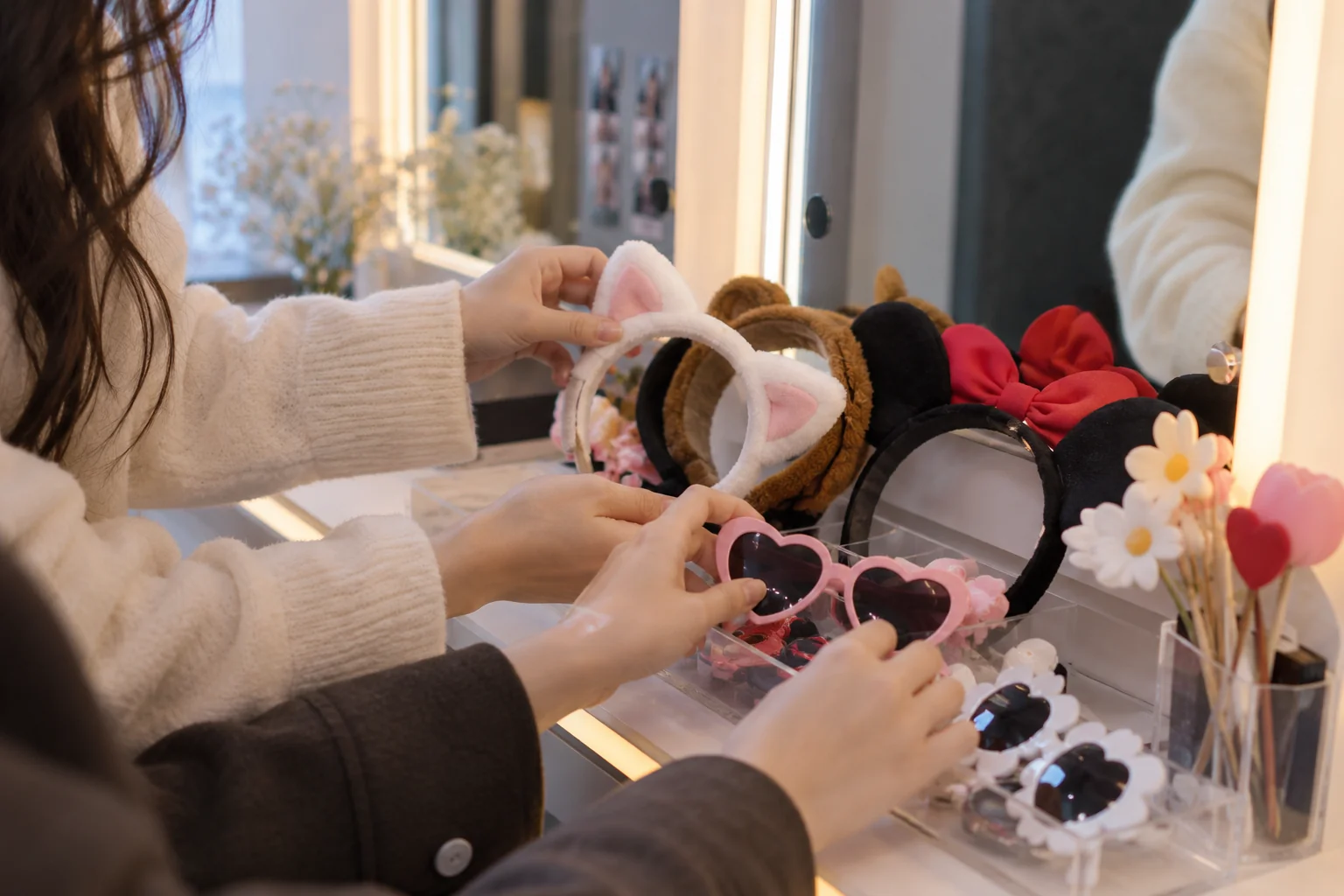
Follow the machine's sequence
The exact order varies, but the screens may ask you to choose a layout, pay, take several shots, select the photos and confirm printing. Check whether the machine allows retakes before relying on them. If a selection timer is visible, finish deliberately; waiting indefinitely can lead to an automatic choice.
Look for labels such as 촬영 (shooting), 선택 (selection), 다시 찍기 (retake) and 출력 (printing). They help you recognize the current step but do not replace the instructions on your screen.
Prints and phone downloads
Collect the correct number of copies before leaving. If the booth provides a QR download, use the displayed or printed instructions and save the files within the indicated availability period. Some services may offer photos or a short video; others may not provide a digital copy at all.
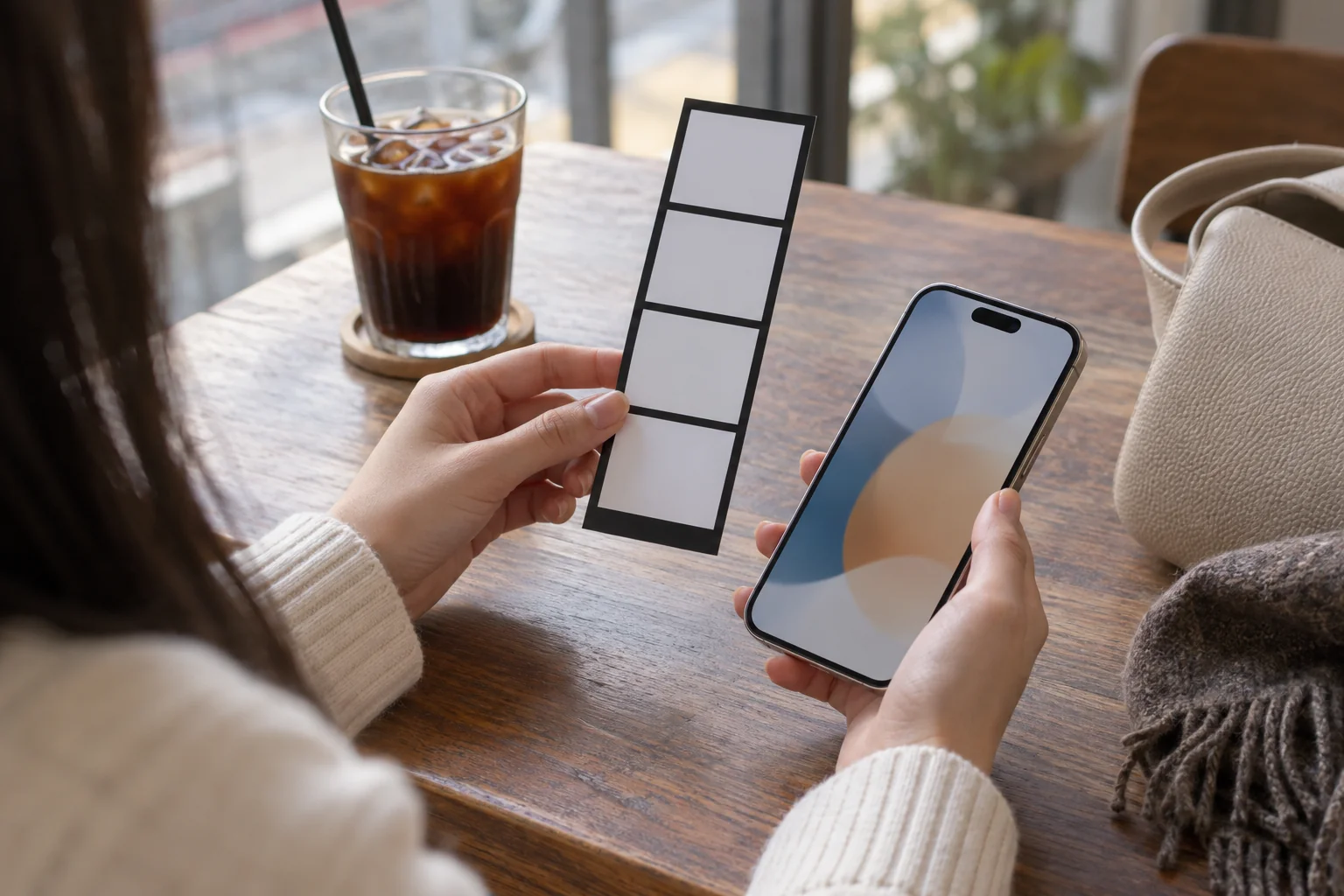
Treat a download code as private access to your pictures. Do not post a clear QR code in a public souvenir photo if you do not want others accessing the files. Agree with the people pictured before sharing their images publicly.
If the session goes wrong
- Check whether a payment was taken before starting a replacement session.
- Note the branch, machine, time and payment amount if printing fails.
- Use the booth's displayed operator contact rather than trying to open or repair the printer.
- For a download failure, check the official instructions, internet connection and availability period; do not assume a stranger's QR code is yours.
Useful Korean
사진이 안 나왔어요. (Sajini an nawasseoyo.) — The photos did not print.
다시 찍을 수 있나요? (Dasi jjigeul su innayo?) — Can I take them again?
Nationwide format, branch-specific details
Photo booths are an experience you can seek beyond Seoul. Price, languages, payment, retakes and downloads remain machine-specific. Check the branch rather than assuming instructions from Hongdae apply to a booth in Busan.
Common questions
Are these photos suitable for a passport application?
Recreational four-cut photos are not a substitute for photographs meeting the issuing authority's document specifications.
Does every booth provide a QR download?
No. Check before paying if a digital file is important to you.
Source checked October 1, 2026. Images illustrate a fictional session, not a test of a named booth.
Related guide: korean street address guide.
고구마



Comments 댓글 0
Be the first to comment 첫 댓글을 남겨보세요.